
Cliper is a lightweight clip editor for Windows. Drop in a video, slice it on the filmstrip, reorder or delete the bits you don't want, and export a clean MP4 or GIF — no timeline bloat, no learning curve.
Free forever at 480p · No account required · Register to unlock HD
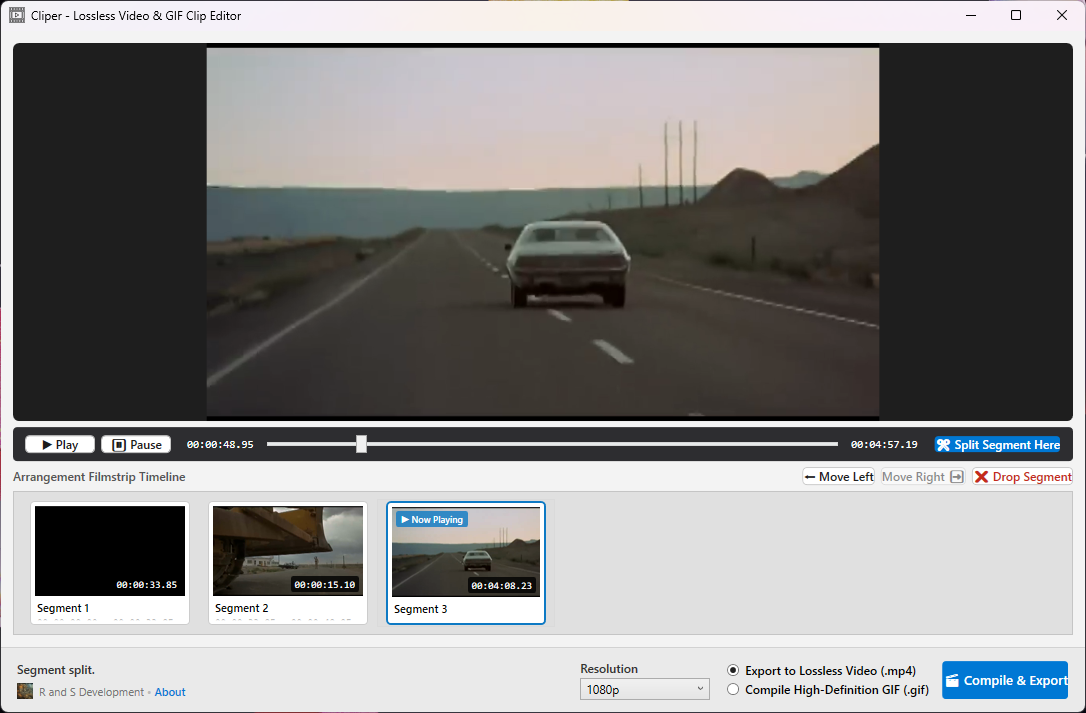
Purpose-built for quick edits. No bloated timelines, no rendering rabbit holes — just the tools that get a clip done.
Split your video into segments right on the visual filmstrip. See exactly where you're cutting before you commit.
Drop the segments you don't want and shuffle the rest left or right to build the perfect sequence.
Play the whole edited timeline or a single clip in the built-in preview before you export a single frame.
Save a polished MP4 for sharing or turn your clip into a loopable GIF — both straight from the same project.
Export at Source (native), 1080p, 720p, or 480p. Match the quality to where the clip is going.
Industry-standard FFmpeg does the heavy lifting under the hood — it's fetched automatically on first run.
Most editors are overkill for a quick cut. Cliper stays out of your way.
Opens instantly and runs lean. No sprawling project setup just to trim 30 seconds of footage.
The free version never expires. Make as many clips as you like at 480p with no trial countdown.
Nothing to sign up for. Your footage is edited locally on your machine and never leaves your PC.
Cut where you can see it on the filmstrip. No timecodes to memorize, no manual to read.
Export the same edit as a shareable MP4 or a loopable GIF without redoing your work.
Register a one-time license to unlock 720p, 1080p and native-resolution exports whenever you're ready.
No tutorial required — if you can drag a slider, you can use Cliper.
Load your clip and Cliper builds a filmstrip preview automatically.
Split the filmstrip into segments wherever you want to trim.
Delete the parts you don't need and reorder the rest to taste.
Choose MP4 or GIF, pick a resolution, and save your finished clip.
A clean, focused interface built for one thing — getting your clip done fast.
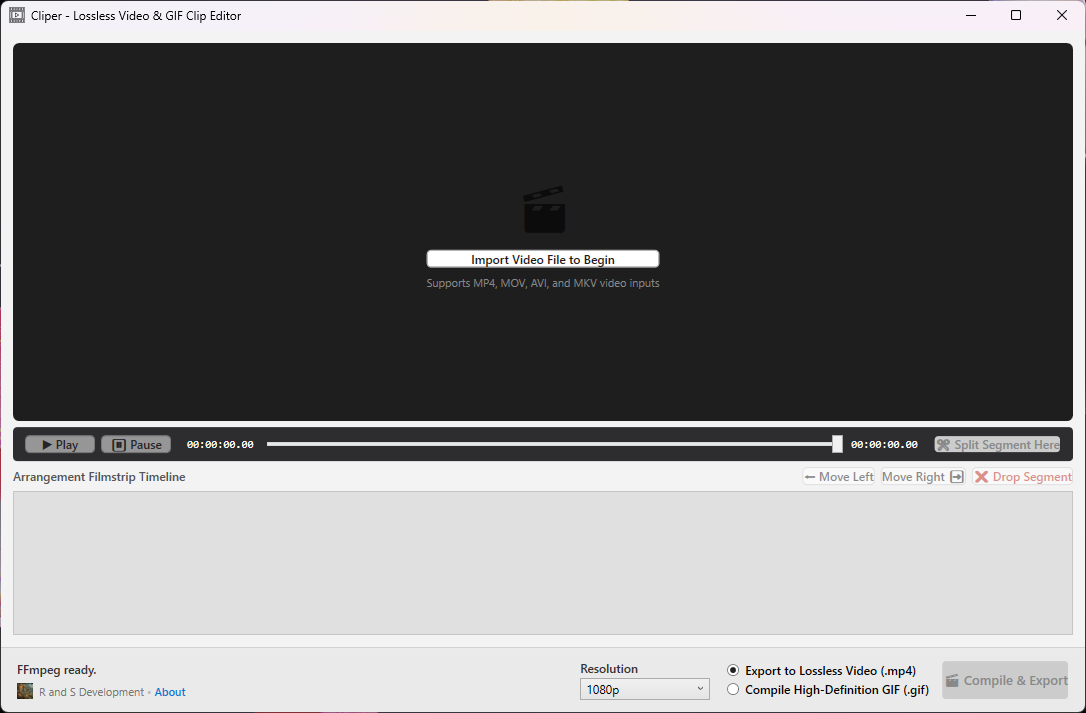
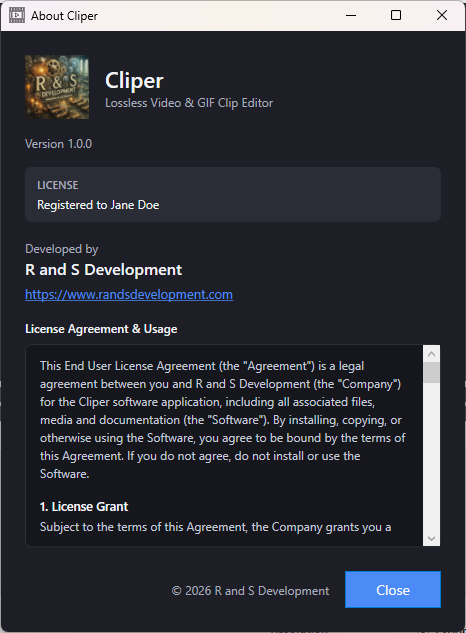
Use Cliper for as long as you like at no cost. Unlock high-resolution exports with a one-time license.
Fill out the form below and your download will start automatically. It's free — no credit card required.
Enter your details and we'll start your download right away. We'll also email you the link and a quick-start guide.
Windows 10 & 11 (64-bit) · No .NET install required